SPACE BUNNY / FEATURE GUIDE
Chat with Space Bunny Alpha about images
An image can give a question the context that words leave out. Add a screenshot, chart, diagram or photo to your conversation, then tell Space Bunny Alpha what you want to understand. The answer is text: a description, explanation, comparison or a list of things to check.
Open the free workspace ↗How to use it
- Open the chat and sign in to your free account. Verify your email before sending a message.
- Use the paperclip to select a PNG, JPG, WebP or GIF. You can attach up to three images, totaling 2.5 MB. A public HTTPS image link is another option.
- Ask a specific question. Describe the task and the part of the image that matters. For a chart, include the units or context if they are hard to read.
- Continue in the same conversation to ask follow-up questions. The most recent media turn is reused as context; older media may be omitted to keep requests manageable.
Try this prompt
Explain the flow in this architecture diagram. Identify the data stores, list the connections you can actually see, and mark anything that is unclear rather than guessing.Use this prompt in chat →
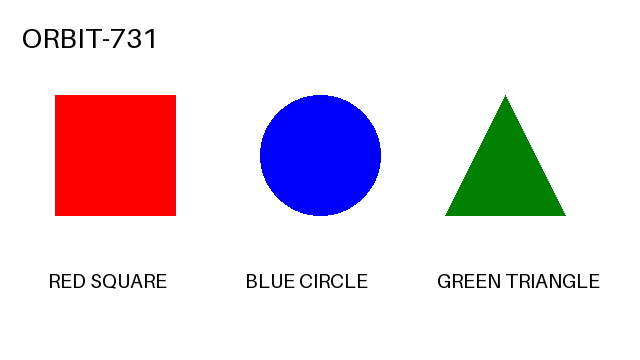
An image-understanding example you can repeat
When it helps
Use image chat to inspect an interface screenshot, understand a diagram, discuss a design, or ask about visible content in a photo. For text-heavy material, crop to the relevant section and supply the text directly when possible. Image understanding does not create or edit an image; Space Bunny's published outputs are text.
Limits and checks
Small text, cropping and low contrast can reduce reliability. Verify numbers against the original image. Do not attach private documents, personal identifiers or other sensitive material. Images are sent to the model and stored with the conversation; delete the conversation to remove its copy from this app. That does not remove a provider's separate records.
Keep exploring
Capability reference: OpenRouter ↗